Viewing Invoices and Transaction History
Updated Apr 4, 2026
Account and Billing
Your billing history and invoices are accessible in Account Settings. Only account owners can view billing information.
Finding your invoices
- Go to Account Settings.
- Open the Billing tab.
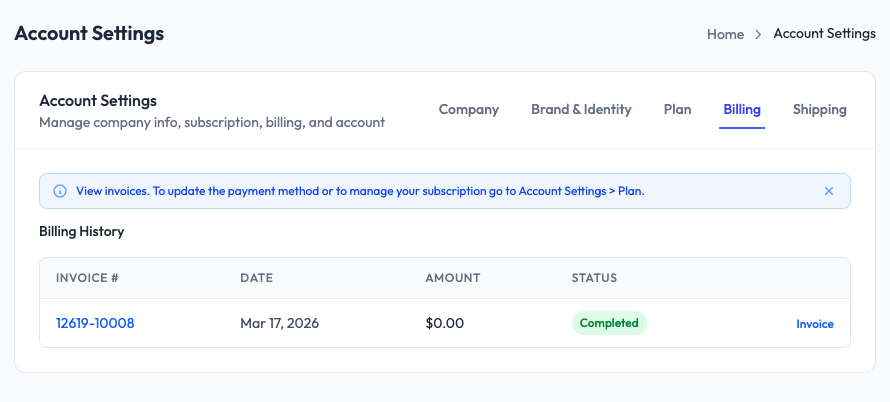
What you will see
The Billing History table shows:
- Invoice number (clickable link to the full invoice)
- Date of the transaction
- Amount charged
- Status (Completed, Pending, etc.)
- Invoice link to download the PDF
Downloading invoices
Click the Invoice link next to any transaction to download the invoice as a PDF. You can use these for your accounting records or expense reporting.
Payment method
To update your payment method, go to Account Settings > Plan and use the subscription management link. Payment is processed through Paddle, our billing provider.