This tutorial guides you through creating a SampleHQ account to start your free trial. By following these steps, you’ll set up your workspace and be ready to manage your samples effectively.
-
Introduce SampleHQ Account Creation
Let’s walk through how to create your SampleHQ account and start your free trial.
-
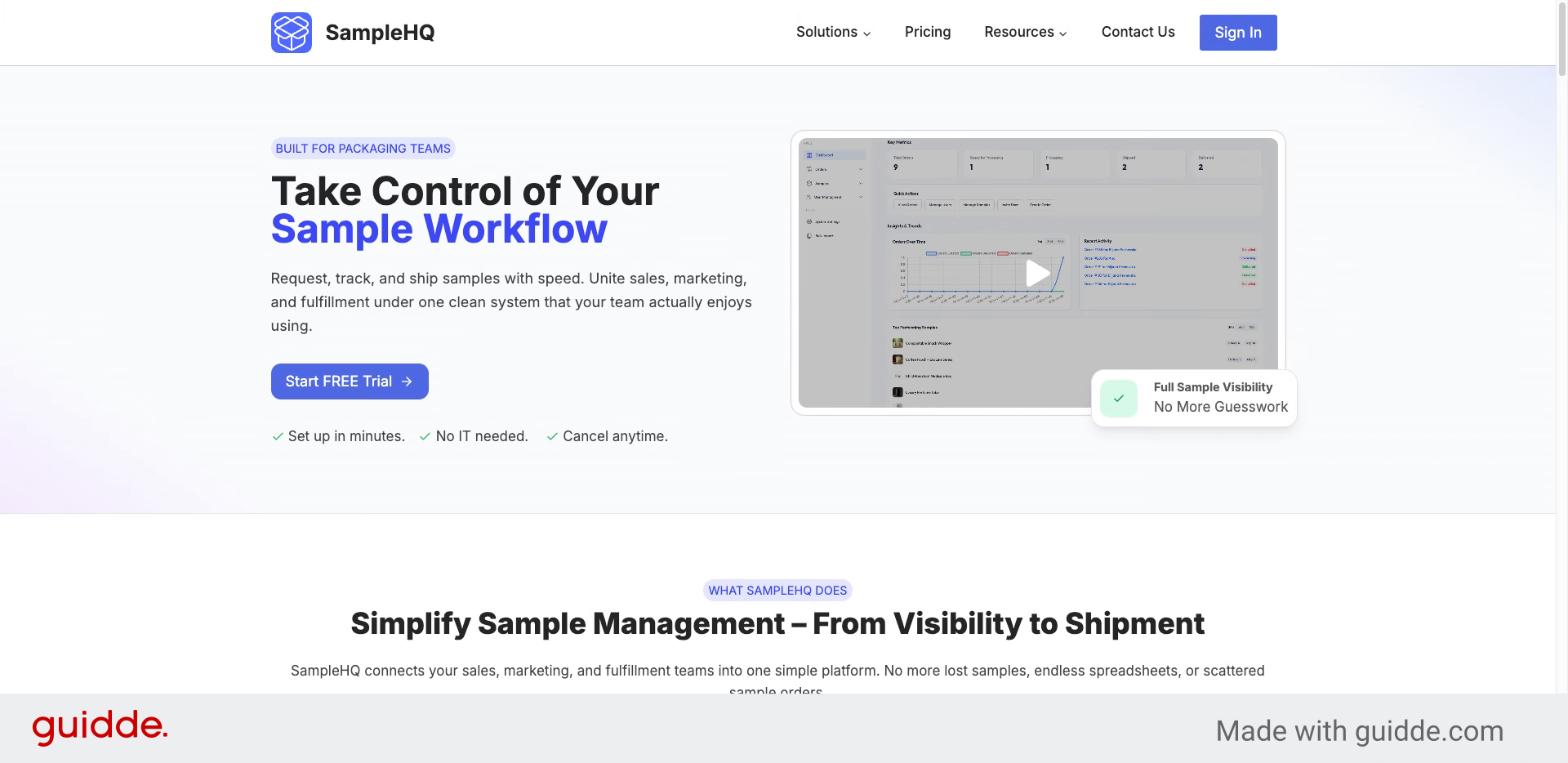
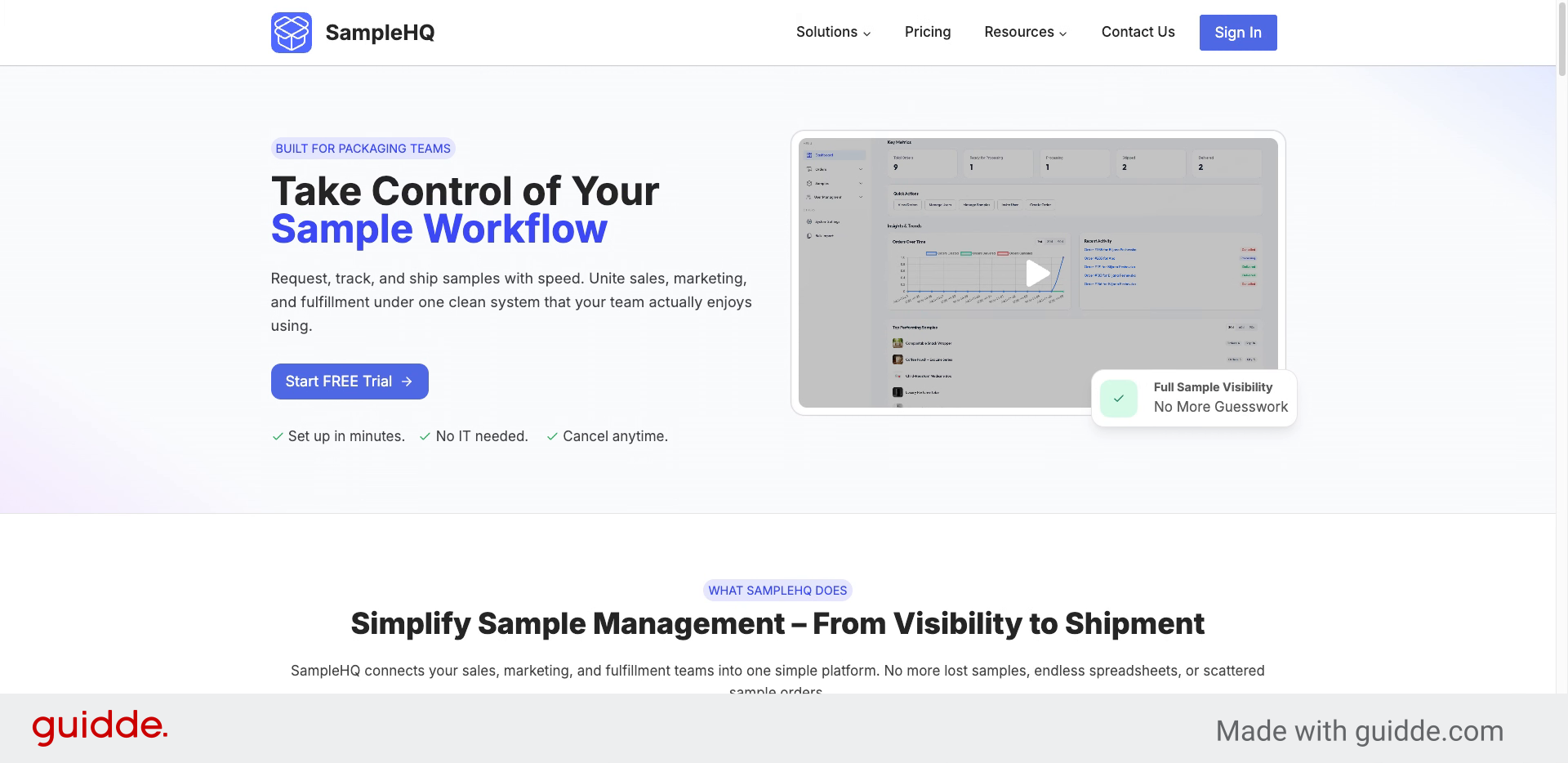
Go to samplehq.io and Access the Free Trial
Go to samplehq.io. From the homepage, click Start free trial.
-
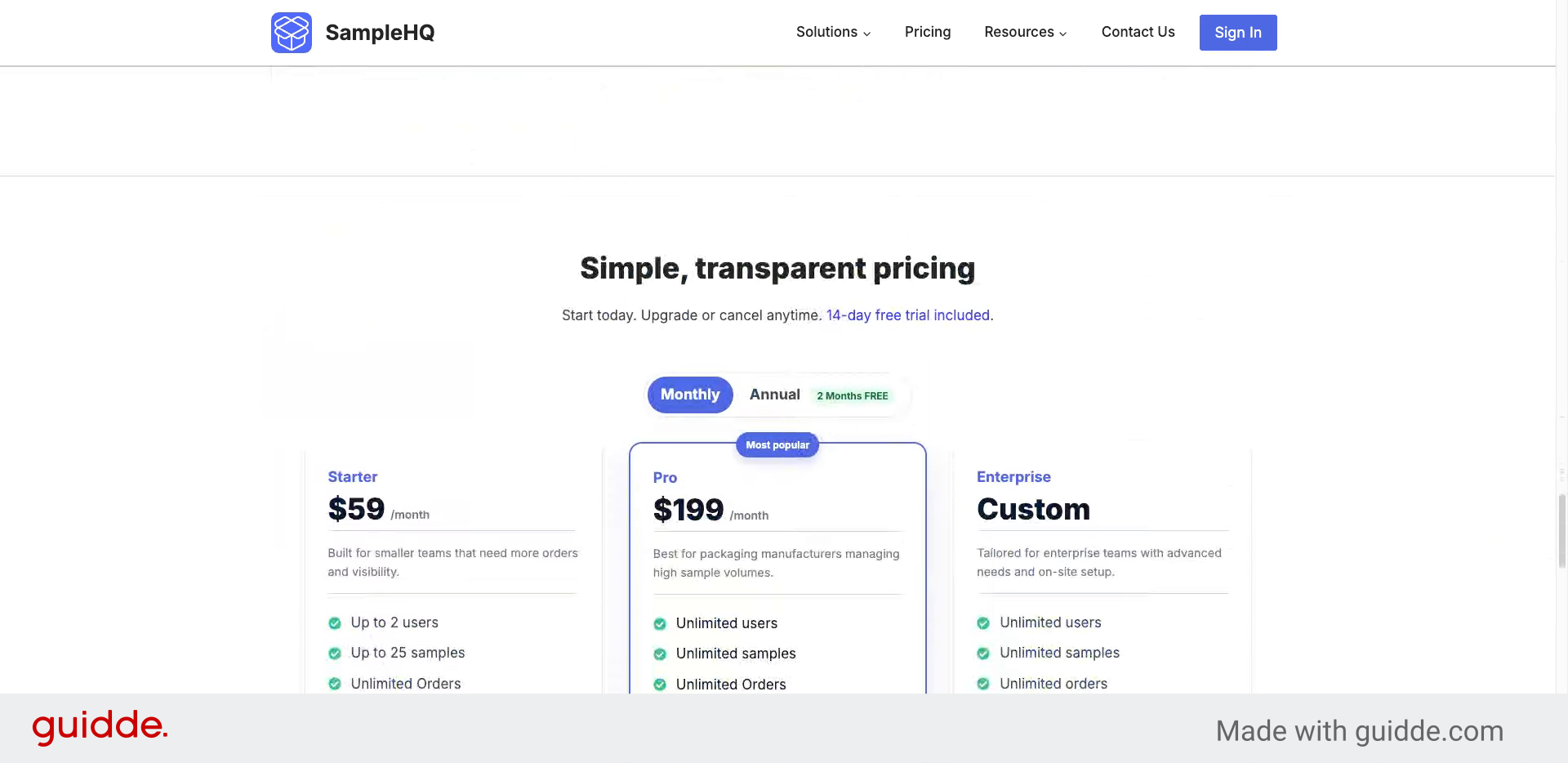
Review Pricing Plans
You’ll be taken to the pricing table, where you can choose which plan you’d like to try: Starter or Pro.
-
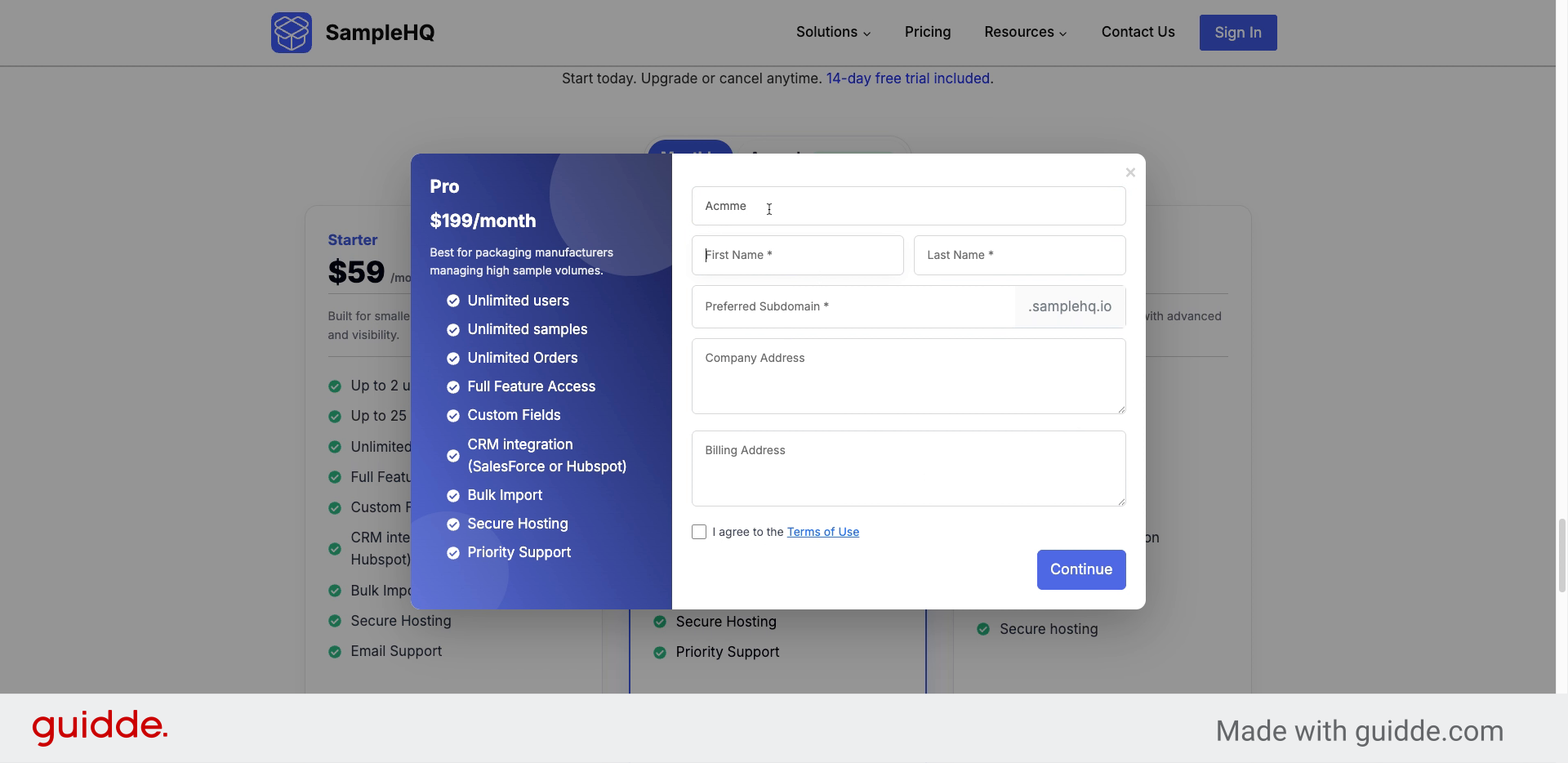
Enter Company and Contact Details
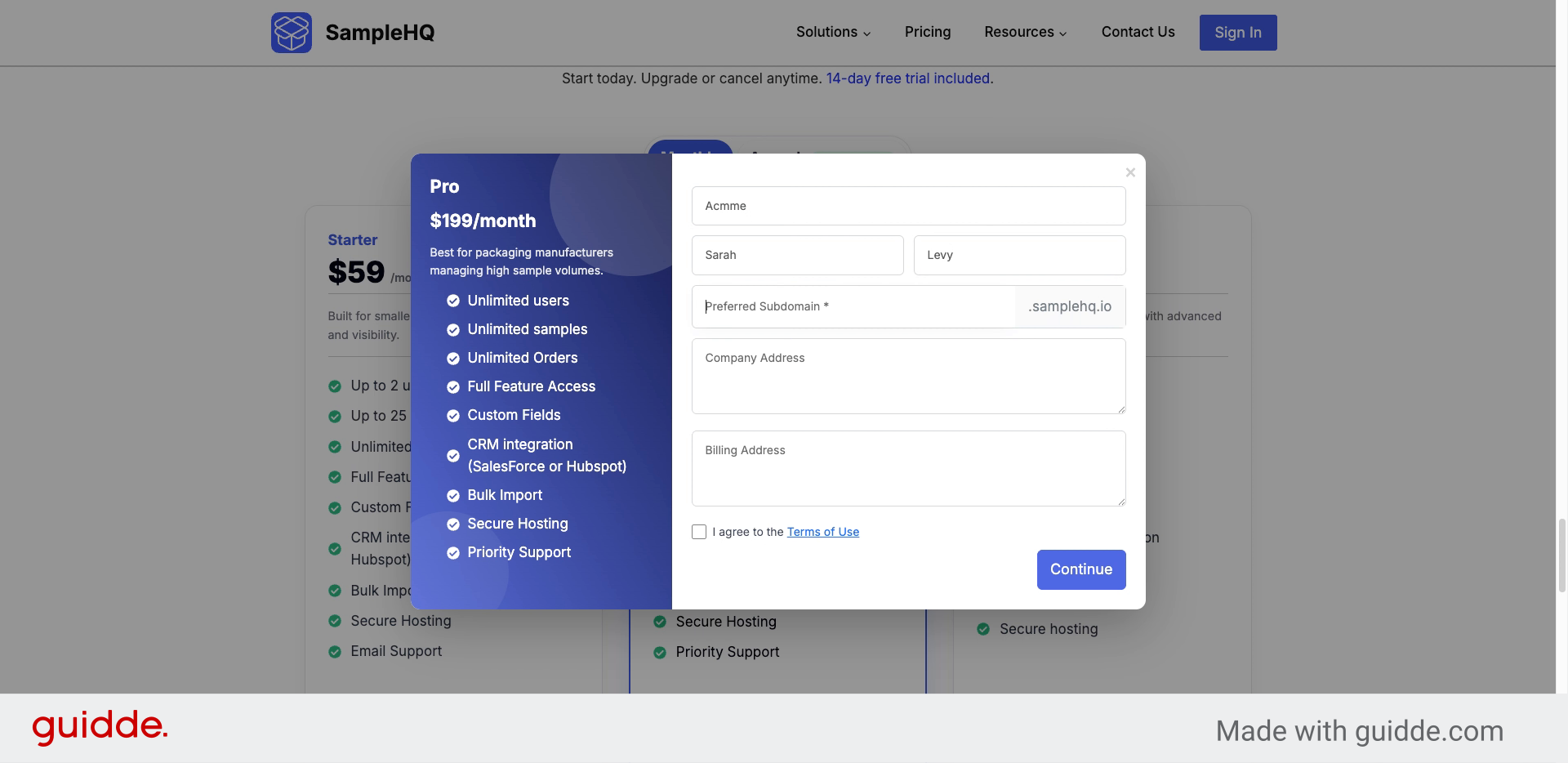
Enter your company name, first name, and last name in the pop-up form.
-
Enter Your Workspace Identifier
Choose a unique workspace name.
-
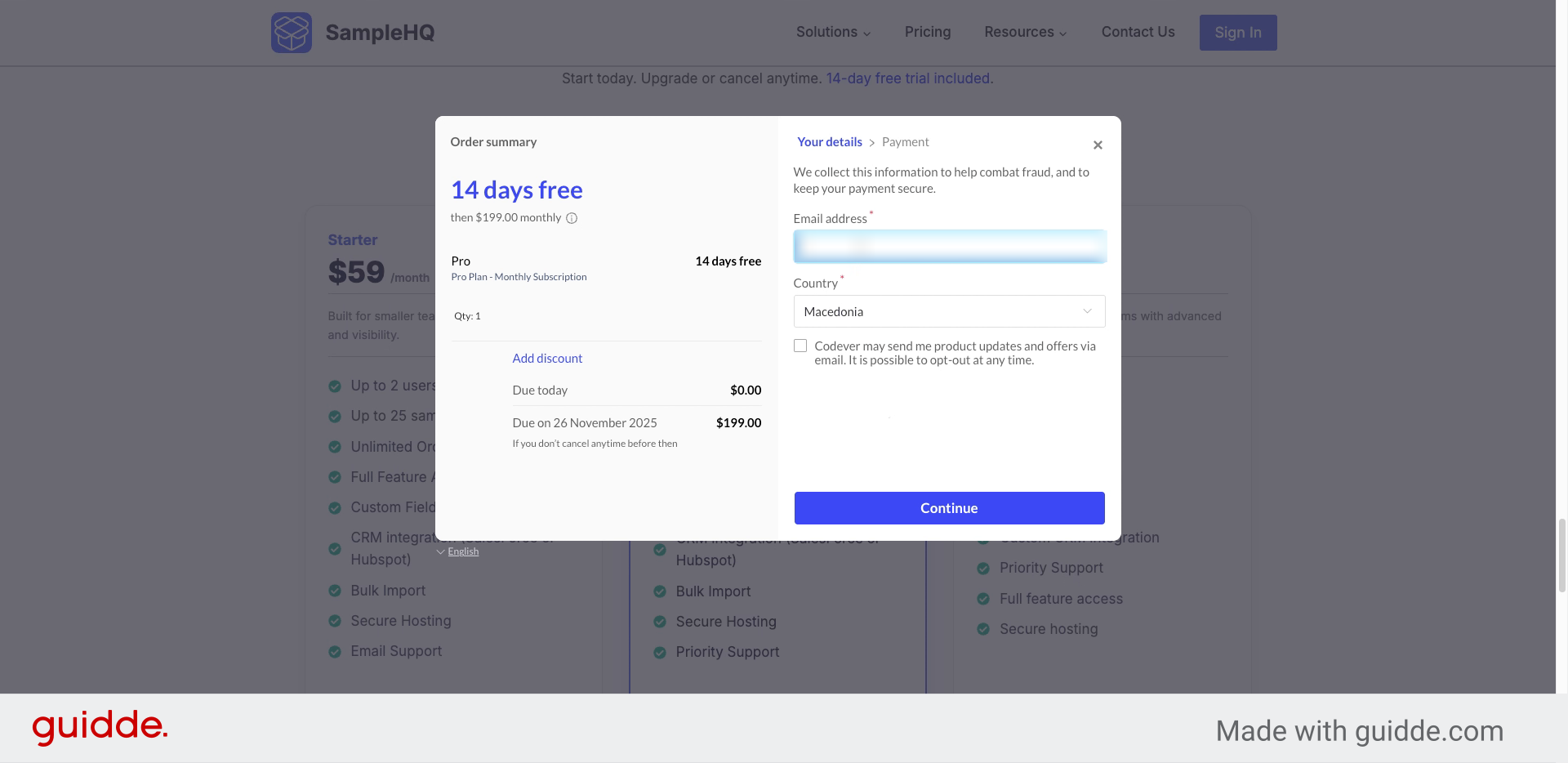
Enter Email and Country
Enter your email, choose your country, and add your ZIP code.
-
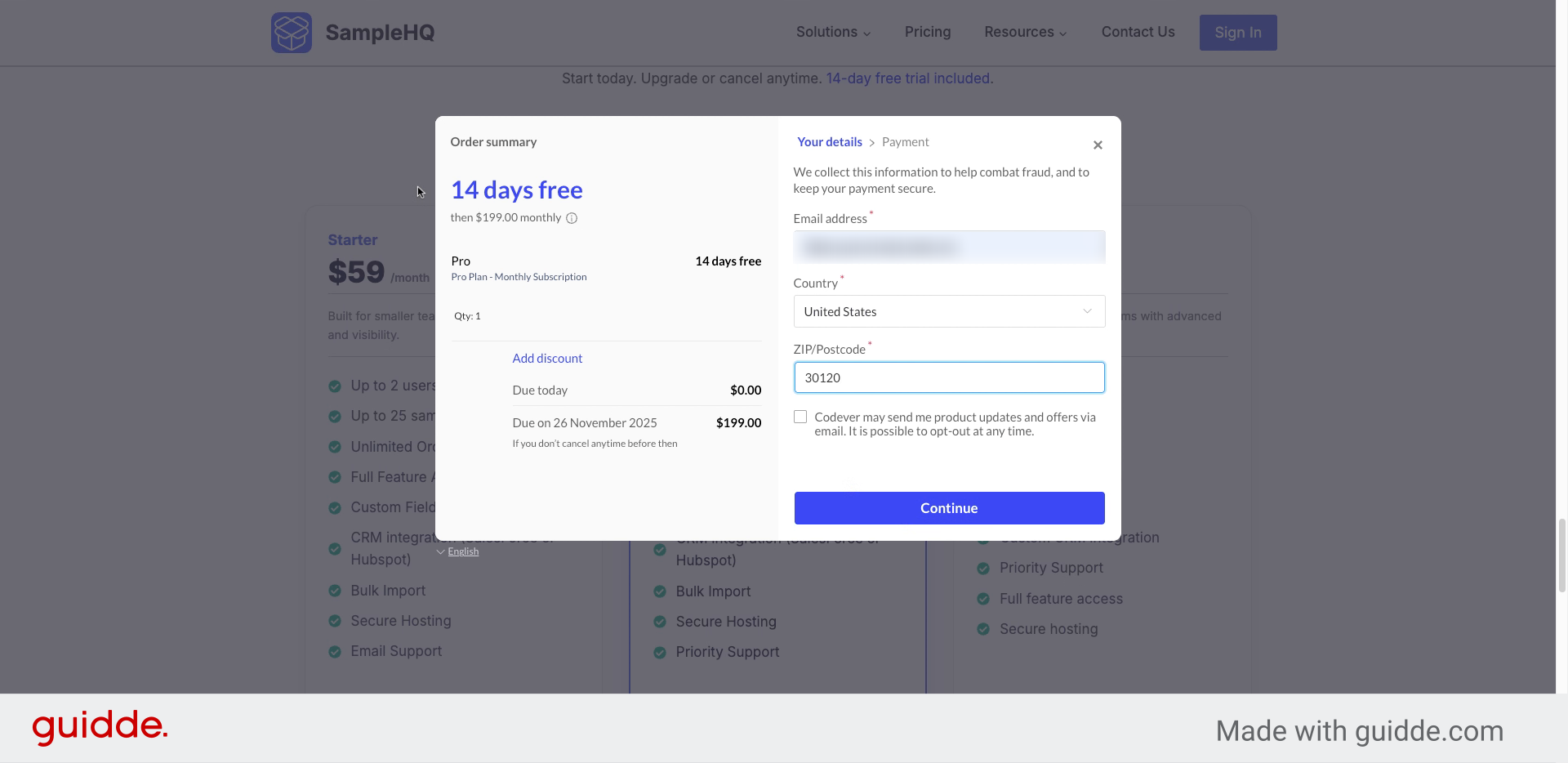
Review Trial Period Details
Your trial lasts 14 days. Your card will be charged at the end of the trial.
-
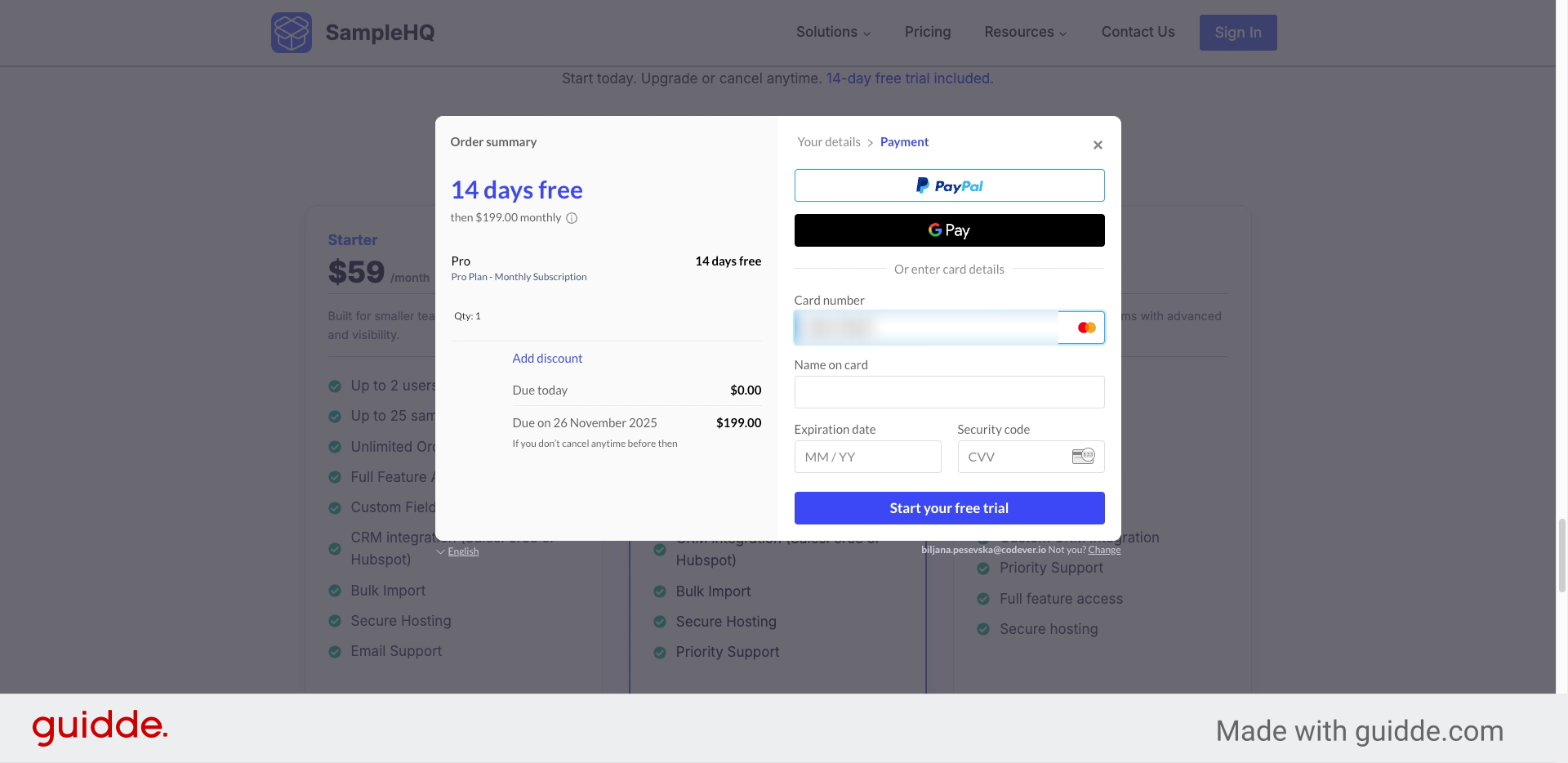
Enter Credit Card Details
Enter your card information to enable subscription activation after the trial.
-
Start Your Free Trial
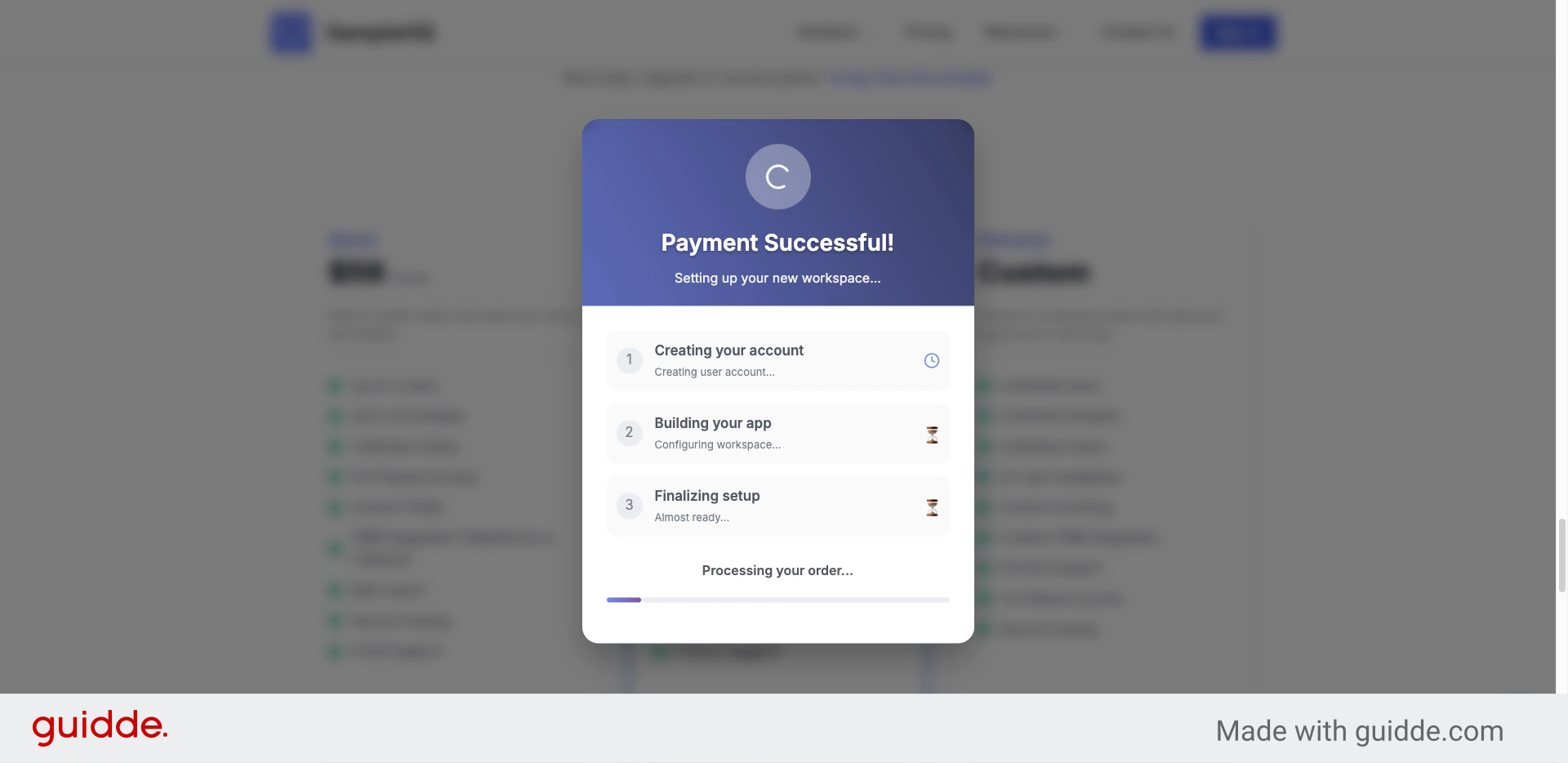
Click Start your free trial. Your card is verified and your workspace is created.
-
Access Your SampleHQ Workspace
Welcome to your SampleHQ workspace! Invite users, create samples, and begin your workflow.
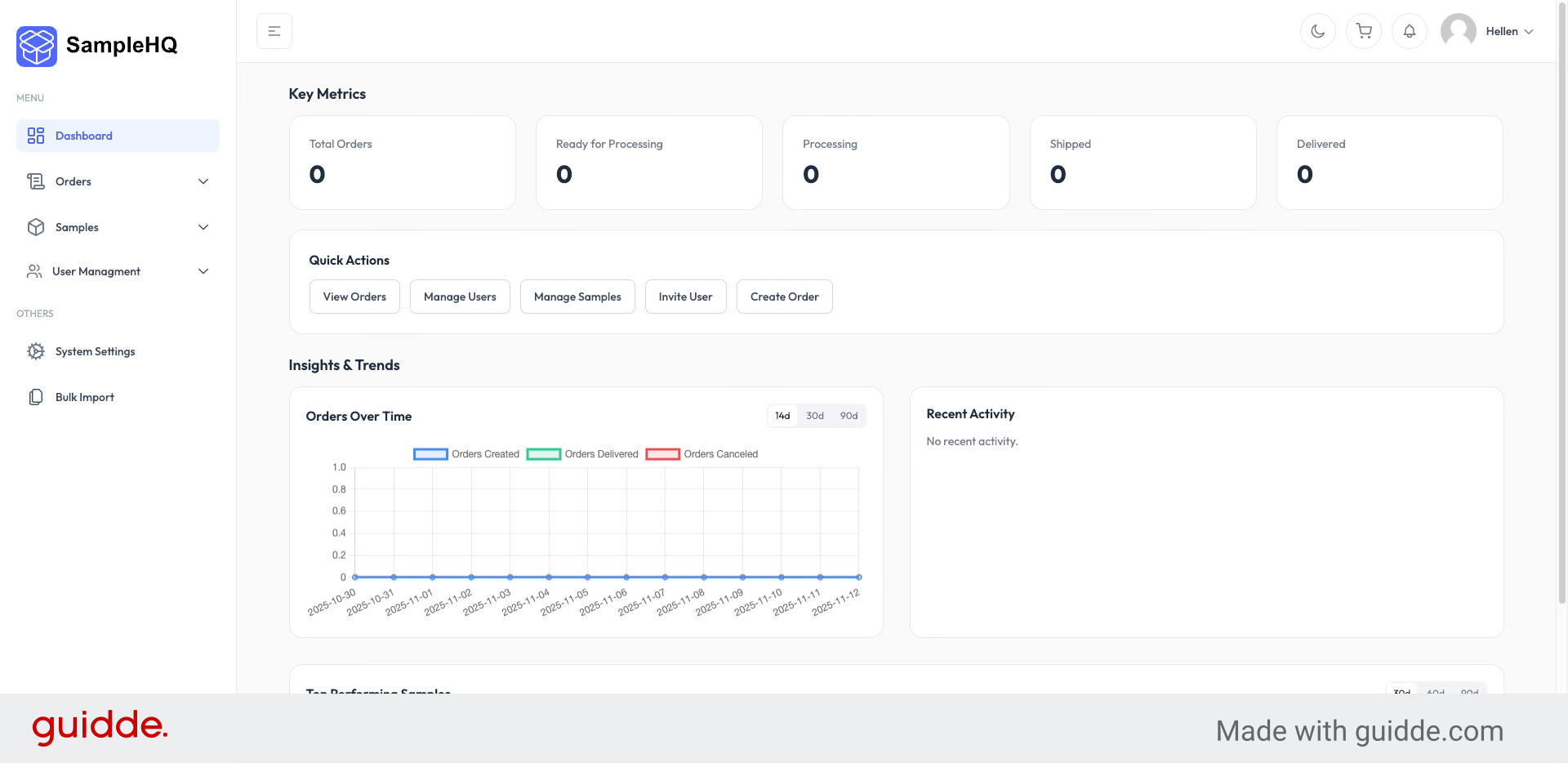
You have successfully created your SampleHQ account and started your free trial.


